
Technical SEO Checklist: 10 Simple Fixes to Rank Higher on Google
Are you wondering why visitors leave your site before reading a single word? You are likely searching for how to increase website speed to stop losing frustrated customers. We solve this problem by showing you simple ways to fix your site, like shrinking images and cleaning code. Making these specific updates provides massive long-term benefits for your business and keeps people engaged. You will easily rank higher on Google search results, retain your audience, and win more sales. Let us explore the best ways to fix these frustrating loading delays today.
What Is Technical SEO?
Technical SEO means fixing the parts of your website that affect how well search engines can crawl and index it. It is different from content writing or keyword research. It focuses on speed, structure, security, and how your site works in the background. A strong technical setup does not guarantee the #1 spot. But it removes the barriers that stop your content from ranking well in organic search results.
1. Check If Your Pages Are Indexed
If Google hasn’t indexed a page, it cannot appear in search results. Open Google Search Console and check the Page Indexing report. Look at your homepage, service pages, and top blog posts first.
- Making sure the page is not blocked
- Removing a wrong no index tag
- Adding a correct canonical link
- Improving thin or copied content
2. Submit a Clean XML Sitemap
A sitemap helps search engines find your pages faster. Include only working, indexable URLs. Remove broken links, redirects, and duplicate pages from it. Then submit it inside the Search Console

3. Review Your Robots.txt File
This file tells search engines which pages they can crawl. A small mistake here can block important pages by accident
.
Check that:
- Key pages are not blocked
- Your sitemap link is added, like this:
Sitemap: https://example.com/sitemap.xml
4. Fix Broken Links and Server Errors
Broken pages hurt both users and rankings. Find 404 errors and server errors using a crawling tool. Redirect old pages to a relevant new page using a 301 redirect:
Old page: /old-service
New page: /web-design-services
5. Improve Page Loading Speed
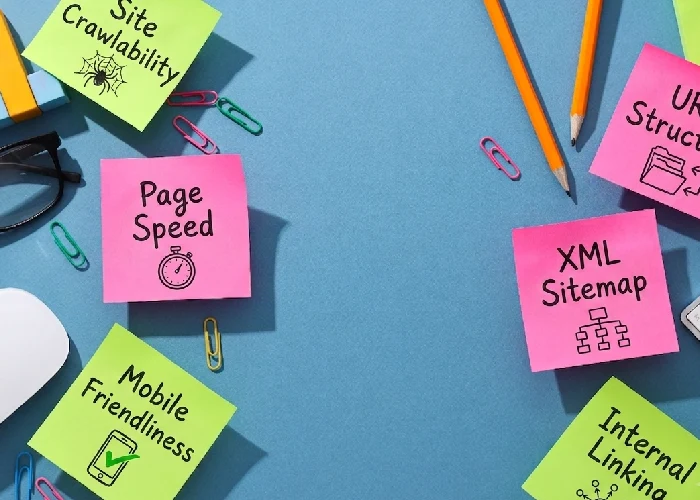
A slow website leads to lost visitors and lower rankings. Common fixes include compressing images, removing extra scripts, and turning on browser caching. Test your site using Google PageSpeed Insights.
6. Track Core Web Vitals
Core Web Vitals are important Google ranking signals that measure your website’s page experience and performance. Largest Contentful Paint (LCP) measures how quickly the main content loads and should be under 2.5 seconds. Interaction to Next Paint (INP) measures how quickly a page responds to user interactions such as clicks and should be under 200 milliseconds. Cumulative Layout Shift (CLS) measures how stable the page layout is while loading and should be below 0.1.
7. Correct Your Canonical Tags
A canonical tag tells Google which version of a page is the main one. Make sure it points to the right page, not a random or unrelated one. This avoids confusing search engines with duplicate content.
8. Make Your Site Mobile-Friendly
Most searches happen on mobile phones. Your website should load fast, use readable text, and avoid sideways scrolling. Test buttons, forms, and menus on a phone screen.
9. Use HTTPS for a Secure Website
A secure site builds trust with users and search engines. Make sure:
- Your SSL certificate is active
- HTTP pages redirect to HTTPS
- Only one version of your domain is used (with or without “www”)
10. Add Schema Markup
Schema (structured data) helps search engines understand your content better. It can also help your page show extra details in search results, like star ratings or FAQs. Only add schema that matches what’s actually on the page.Some websites use JavaScript to load content. If Google cannot read this

Final Thoughts
A website SEO audit is not a one-time task. Search engines change often, and so does your website. Fix indexing and crawl issues first, then improve speed, mobile experience, and site structure. Doing this regularly keeps your website healthy and ready to rank well in search engine results.
Need help improving your website’s search visibility? Contact Auro Creative Studio to guide you through a complete technical SEO audit.